







When I was 10, I built my first website.
It was a single page dedicated to the anime series Sailor Moon and, to use a phrase from that era, it was “the bomb.”
It had everything you’d expect from a late 1990s or early 2000s fansite. It was built on the pioneering, but now defunct, Geocities. There were animated looping GIFs I saved from other websites, large slow-loading images, and background music that auto-played at every refresh. Of course, there was also the unreliable “visitors” counter and the same static, generic information about the series you could find on hundreds of other fan sites.
Today, it’s laughable. But if we’re being honest, it was on par with most websites online at the time.
 The original website for Space Jam went live in 1996, and Warner Bros. still keeps it online as an archive.
A couple of decades later, the web has changed dramatically, and not just because websites now live in our pockets instead of on chunky desktop computers in our living rooms.
Who we are as buyers has changed too, and that should shape how you design an inbound marketing website. With so many content and design practices to consider, it’s natural to feel unsure where to focus.
What do visitors actually want to see? What content do they want to read? What helps them decide whether to talk to you?
In this article, I’ll share how buyer behavior has changed, 10 features of a great inbound marketing website, and examples of those features in action.
In websites we trust: how buyer behavior has changed
Today, buyers have a relationship with the internet that wasn’t even a thought when I first logged onto Geocities. For many purchases, research now starts online, whether someone is looking for a specific product or just gathering information. Increasingly, that research also happens through AI assistants that summarize what they find on the web.
Whatever they’re shopping for, buyers are looking for the same thing: a company they can trust.
They want a company with a product or service that will actually solve their problem. They want a brand that will deliver on its promises and won’t sell them something they don’t need or that doesn’t work. They want someone reliable and worth their hard-earned money.
Your website is one of the main places you earn that trust, and no, it doesn’t involve animated GIFs.
10 features of a great inbound marketing website
Below are 10 elements, with examples, that a great inbound marketing website should have to support your strategy and make each buyer’s research easier. Each one also helps build the trust your ideal customers need before they’re comfortable doing business with you.
1. Customer-focused messaging
I can say it time and time again: your website is not for you, it’s for your customer.
Your website exists to give current customers and potential buyers the information they want and need to feel comfortable making a purchase.
Everything on your business website should cater to their needs, especially your messaging. From your value proposition in the hero section to your blog topics, put yourself in your customer’s shoes.
What do they want to know when they arrive on the page? What are their concerns and questions? What value do you offer? What problem do you solve, and how?
A big, beloved brand can sometimes get away with not explaining its worth. When you’re still introducing yourself and building trust with website visitors, keep your messaging about them.
My friend Ann Handley makes this point throughout her book Everybody Writes: keep the focus on your reader and what matters to them. In other words, don’t just tell visitors what you’ve done. Tell your story in terms of what you can do for them.
A simple check is to count how often your copy talks about the customer compared with how often it talks about your company. The customer should come up far more often. That keeps your content focused on helping rather than selling.
You can also use the StoryBrand framework, a messaging approach that positions the customer as the hero of the story. The customer is the main character facing a challenge, and your brand is the guide that helps them reach a better outcome.
Dot Drives, a donor management software company for nonprofits, puts this idea to work on its homepage. Instead of opening with its features, it leads with the nonprofit’s mission and the impact it wants to make, then positions its software as the simple tool that lets the team focus on that mission.
2. A user-friendly design
It’s not enough for your website to look good (though it should). It also needs to work well. That means visitors can navigate easily and complete the actions they came to take.
A useful question for every page is how to get the visitor to “page two,” the next step that makes sense for them. Understand what that next step is for your target audience on each page, then make it as easy as possible to take without making them stop and figure things out. That might be a clear call-to-action button, a link to a related page, or a form.
On your homepage, put the most common and important next steps for your business front and center, or at least make them easy to find in your navigation. Those might include scheduling a time to talk, making a purchase, signing up for a trial, or learning more about your product.
The right next step changes depending on where a visitor is in their buying process. Until you have that information, sticking with the most common next step is a good starting point. The harder it is for people to find what they want, the more likely you are to lose them during the hunt.
Duolingo’s website is a good example. When you arrive on the homepage, its two main calls to action are front and center: get started or log in to your existing account.
As you scroll, the page gets more specific about what Duolingo offers, and the path to learn more or sign up stays clear in each section.
3. Optimized site speed
User-friendliness also depends on site speed, or how long your pages take to load.
Buyers want trusted answers, and they want them quickly. If your website loads slowly, many visitors will leave before they ever see how good your content is.
Page performance can also affect search. Google’s documentation on page experience says its ranking systems reward content that provides a good page experience and recommends achieving good Core Web Vitals. It also says relevance comes first, so a fast page won’t outrank a more helpful one on speed alone. Treat speed as part of a good experience, not as a shortcut to rankings.
You can check your pages for free with tools like Google’s PageSpeed Insights or WebPageTest. If your pages are slow, common fixes include:
- Compressing your images
- Lazy loading images and videos further down the page
- Using a content delivery network (CDN)
- Reducing unnecessary scripts and other requests
Pay close attention to how your site works on phones, too. A responsive design that loads and reads well on a small screen matters for both visitors and search.
4. Search engine optimization
A great inbound marketing website should be easy for search engines and AI-powered search tools to find and understand.
Social media, referrals, and email can all bring people to your site, but many buyers start their research with a search engine or an AI assistant, so optimizing your website and content for search can’t be neglected.
That means tackling two main areas: on-page and technical SEO.
On-page SEO covers elements like your page title, meta description, and headings. Writing these clearly and accurately helps search engines understand what your page is about and helps visitors skim the page and find what they need.
Technical SEO covers much of what we discussed in feature three, such as site speed and mobile responsiveness, along with site structure and whether search engines can crawl and index your pages.
Plan for both when you build your website and create content for it.
5. Question-focused content
Creating content is a must for any digital strategy, but it’s not enough to publish anything to your blog. You have to create content that current and potential customers actually care about. That value can take many forms, and it changes with your buyers’ circumstances.
Marketers often say brand content should either educate or entertain. For small and medium-sized businesses, we recommend leaning most heavily on education, because it most directly helps buyers make decisions.
The most useful content helps people make educated buying decisions by addressing the questions, objections, or concerns they have about your offering or your industry in general. Answer the questions they’re asking search engines and AI assistants, and answer them honestly.
Regardless of industry, size, or offering, we find these questions typically fall into five categories we call The Big 5:
- Cost and price
- Problems
- Comparisons
- Reviews
- Best-of lists
When you answer these questions thoroughly and truthfully on your website, your audience can find you and begin trusting you as the company that told them what they needed to know. You helped; you didn’t just pitch.
Before the internet, businesses relied on brochures and catalogs to field questions about their products and services. You still need that information today. It just needs to be on your website, ready for buyers to find on their own and for your sales team to share in conversations.
6. A mix of text and visual content
Answering purchase-related questions is a box you must check, but it’s not the entire list. It’s one part of a healthy content mix.
Beyond purchase questions, keep an eye on related news and topics your customers care about. Answer questions about those topics or explain them in the context of your business. That shows you’re current and genuinely knowledgeable, not repeating the same old information.
A healthy content mix also includes a mix of formats. Some people will happily read every 2,000-word article you publish. Others would rather watch or listen, or simply don’t have time to read article after article. Video also lets buyers see and hear the people they would be working with, which can build trust faster than text alone.
So a great inbound marketing website includes both written and visual content. Where it helps, give your most important pages both ways to consume the information. That serves different preferences and makes your content more accessible.
What kind of video should you create? You can certainly tackle The Big 5 in video. Throughout your business pages, you can also use what we call The Selling 7, seven types of video that help buyers through a sales process:
- 80% videos
- Employee bio videos
- Product or service fit videos
- Landing page videos
- Cost videos
- Customer journey videos
- “Claims We Make” videos
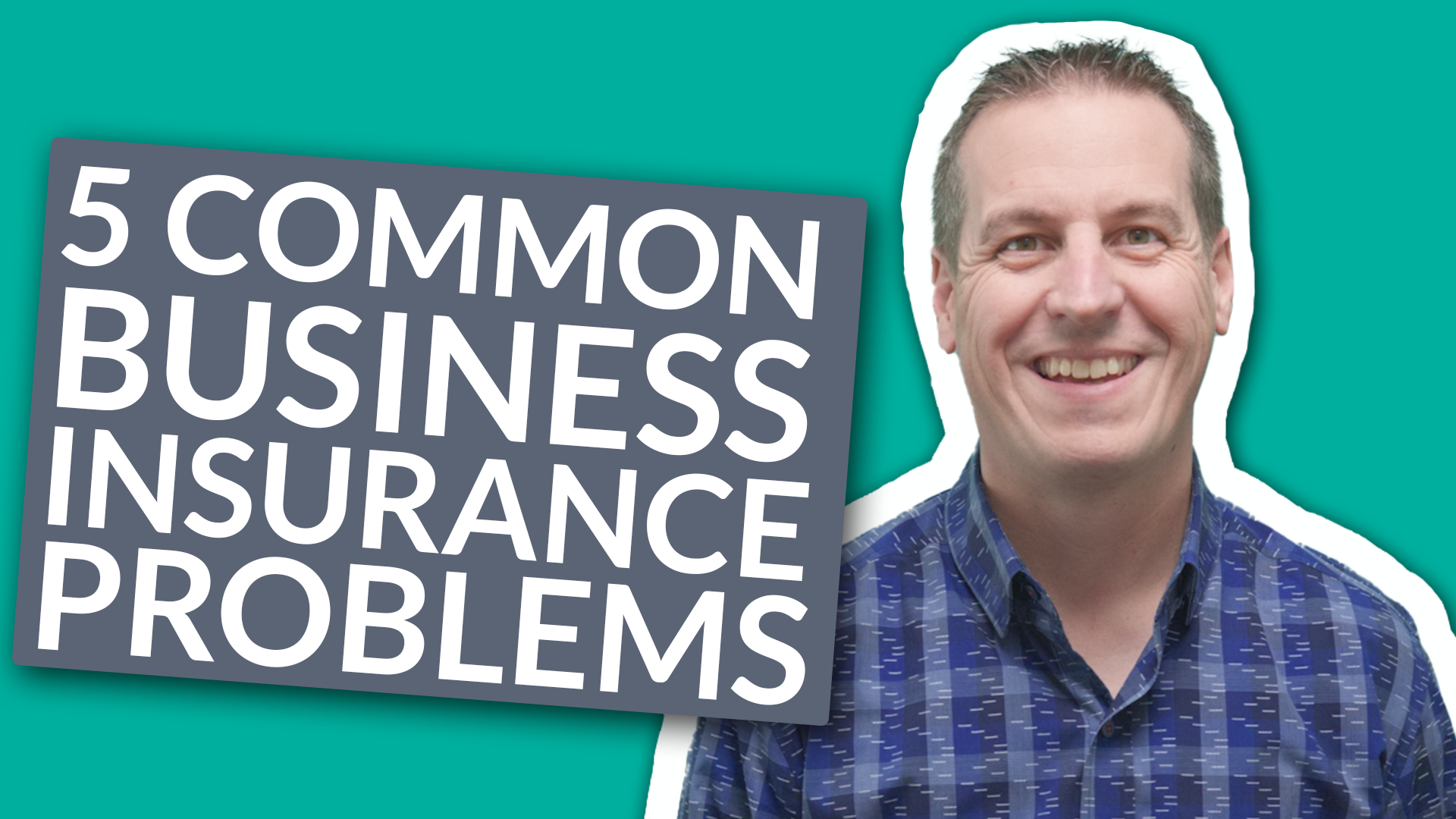
Berry Insurance, a company IMPACT has worked with, is a good example of a varied content library. Its insurance resources page combines articles and videos and lets visitors filter by category and content type. Here’s one of its videos, which explains common business insurance problems:
7. A hub of premium content
Great inbound marketing websites also go beyond blog articles to include more in-depth resources, such as:
- Webinars or long-form videos
- Online courses
- Original research and reports
- Assessments and quizzes
- Pillar pages that cover a topic in depth
- Templates
These resources go beyond the basics and offer deeper knowledge or more engagement with your organization. They usually take more time to consume, and they show greater expertise in your industry. From a sales perspective, someone who spends time with them is often showing stronger interest.
Once you have this content, make it easy to find. We’ve found that organizing it in a learning center, a central library visitors can browse and filter by topic and format, is one of the most user-friendly ways to do this.
8. A self-service tool
Many buyers don’t want to be sold. They can spot a sales pitch from miles away, and they often do much of their research before they ever talk to a salesperson.
That’s why a great inbound marketing website helps people evaluate their options and qualify or disqualify themselves. Effective web design gives them most of what they need to feel ready to buy, and sometimes to buy without speaking to anyone at all.
Besides content, one powerful way to do this is with a self-service tool. A self-selection or self-service tool is any interactive feature, such as a quiz or calculator, that customizes the website experience for a visitor. For example, it might guide them to the information or product that best matches their needs.
These tools usually fall into one of three buckets:
- A pricing or cost calculator: This is exactly what it sounds like, a tool that helps someone estimate how much a product, service, or project will cost them.
- A build or design tool (or what I like to call a “finder”): This helps someone create or identify the right solution for their needs. Website builders that walk you through choosing a template and features are a familiar example.
- A customer onboarding tool: This gets things set up correctly for a new user. Think of how many apps ask about your interests when you first sign up so they can tailor what you see.
Overall, these tools create a “seller-less” experience. They put the buyer in control and free your sales team to focus on the people who need one-on-one attention.
One of my favorite self-selection tools is makeup brand Il Makiage’s PowerMatch quiz. It guides you to a foundation shade based on your answers to a few multiple-choice questions, then lets you try the product at home.
Choosing the right foundation shade online, especially from a brand you haven’t used before, can be difficult. The quiz makes that decision easier and lowers the risk for the buyer. It’s also a smart way to generate leads for the brand.
9. Real-time conversations
Just as visitors won’t wait around for your site to load, they often won’t wait around to talk to you either. People are used to quick, simple answers, and they expect the same from brands.
That’s why your website should support real-time conversations. Start small by adding chat to the pages that show the highest intent, such as a pricing page, a demo request page, or a shopping cart. If you use HubSpot, its live chat and chatbot tools connect conversations to your CRM. Many other chat tools offer similar features, so choose one that fits the systems your team already uses.
AI chat can start a conversation, answer common questions, and address objections in the moment. Make sure a person reviews what it says about your products and prices, and give visitors an easy way to reach a human.
From there, consider expanding chat to earlier-stage pages, such as FAQs or general service pages, where people commonly have questions. You can even use a chat window to offer helpful related resources instead of a traditional pop-up.
However you use it, chat helps you connect with potential buyers in a way they find comfortable and useful.
10. Social proof
You can praise yourself as much as you like in your content, but it will never carry as much weight as praise from an unbiased third party, especially your customers.
To build trust and credibility on your website, buyers need to see that you deliver on what you promise. They need to see that real people have gotten results and their money’s worth.
That’s why social proof is so important (and I don’t mean the bogus visitor counter I had on my website). Share case studies with real data, customer testimonials, and reviews. Share ratings from reputable sources and relevant awards.
You can also create what we call “Claims We Make” videos, one of The Selling 7. Instead of simply saying your materials or service are better, these videos show the proof, such as how your product is built and tested.
All of this tells prospective buyers that you’re not just making empty claims. You live up to them.
HubSpot’s customer reviews page is one of my favorite examples. It brings together customer reviews, testimonials, and the awards and ratings HubSpot has received from software review sites.
Build a website buyers can trust
If none of these elements surprised you, that’s a good sign. They’re the same things you look for as a buyer when you research a purchase online, and the things that help you trust the company you ultimately buy from. Your buyers are no different.
You don’t need to tackle all 10 at once. Start with the gaps that most affect your buyers today, whether that’s unclear messaging, slow pages, or unanswered questions about cost, and improve from there. Each improvement makes it easier for the right buyers to trust you and decide whether you’re the right fit.
Order Your Copy of Marcus Sheridan's New Book — Endless Customers!